
Where can I find out the current version number of the RiCoder software installed in my organization?
The RiCoder admin web panel contains information about the current versions of RiCoder components.
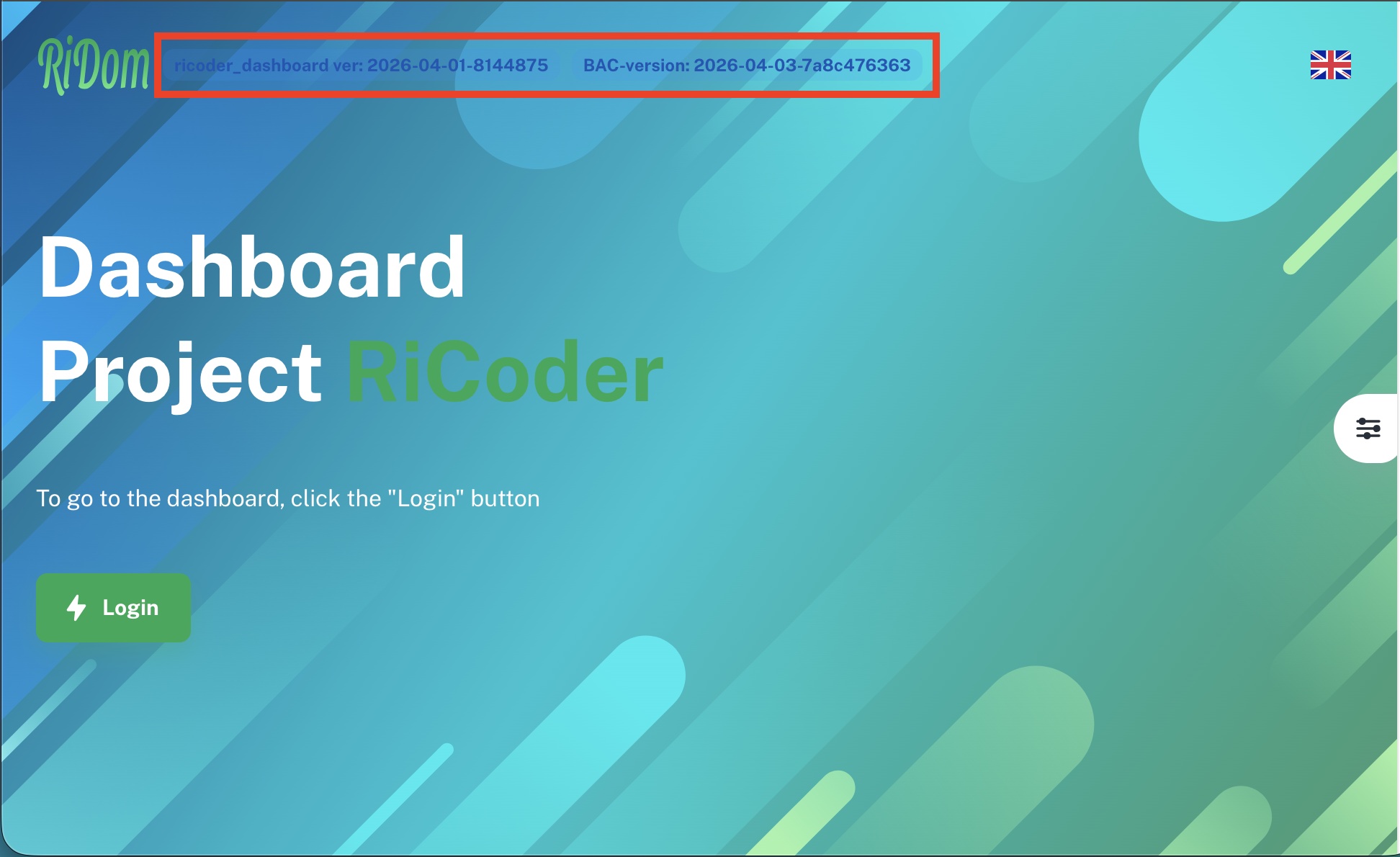
1. Open the RiCoder admin web panel using the shortcut located on your desktop or enter the address in the browser:
http://<IP address of the server in the organization's local network>:2180/dashboard
2. On RiCoder start page, next to the logo are the version numbers of installed components:
- RiCoder_dashboard ver - interface version
- BAC-version - server version
RiCoder web panel screen
1. Enter your username and password (default: admin/admin)
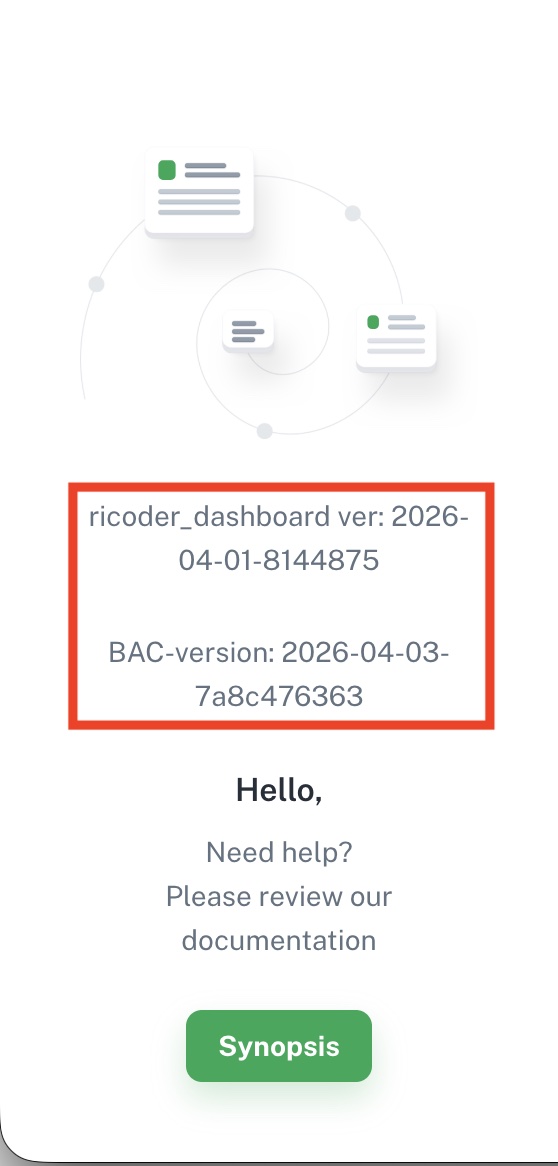
- riCoder_dashboard ver - interface version
- BAC-version - server version
Side menu screen
Update date: 04/08/2026
Нет комментариев для отображения
Нет комментариев для отображения